
Rhea的个人博客搭建教程
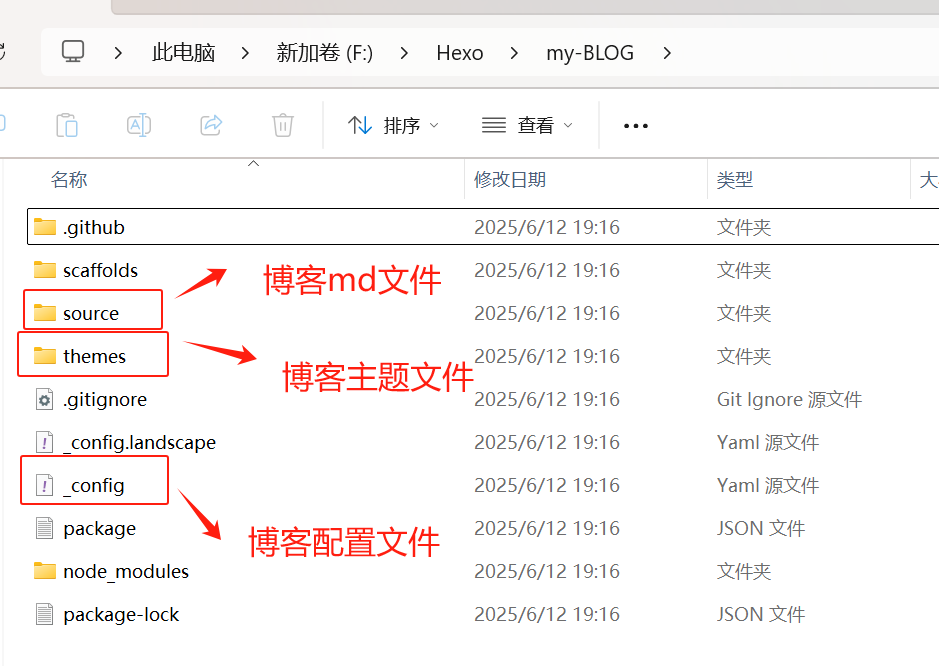
- public 最终所见网页的所有内容
- node_modules 插件以及hexo所需node.js模块
- _config.yml 站点配置文件,设定一些公开信息等
- package.json 应用程序信息,配置hexo运行所需js包
- scaffolds 模板文件夹,新建文章,会默认包含对应模板内容
- themes 存放主题文件,hexo根据主题生成静态网页(速度贼快)
- source 用于存放用户资源(除 posts 文件夹,其余命名方式为 “ + 文件名”的文件被忽略)
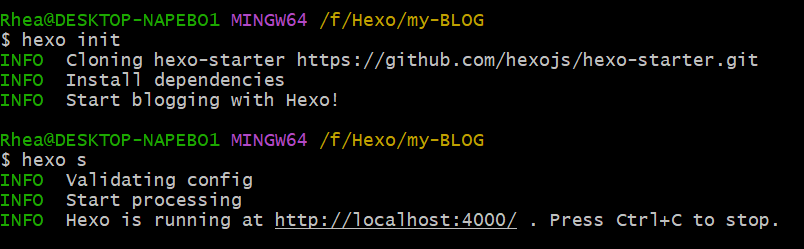
1 | hexo s# 开启本地预览服务 |
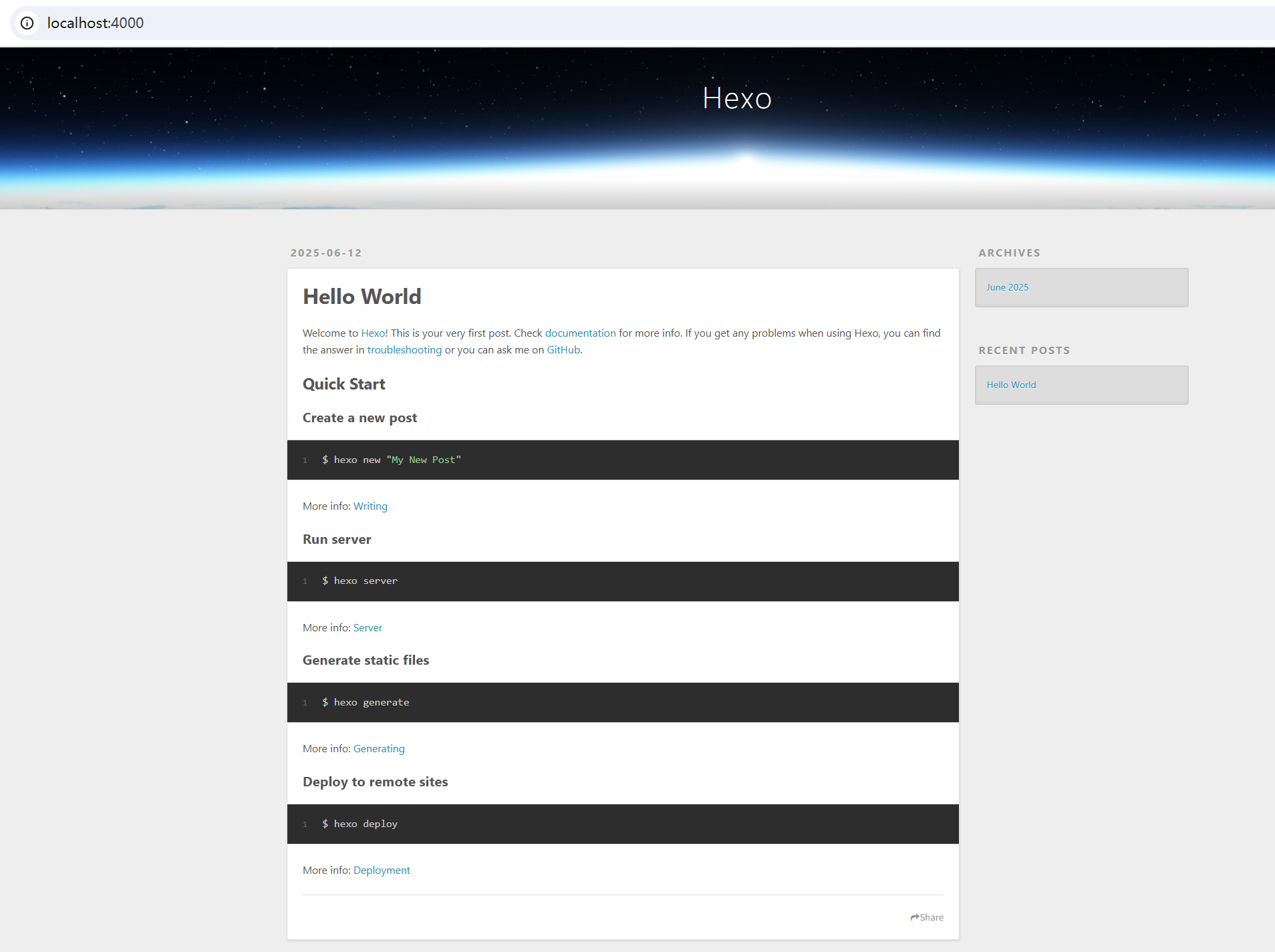 git clone -b master https://github.com/jerryc127/hexo-theme-butterfly.git themes/butterfly
操作步骤:
① 新建自定义 CSS:在 themes/butterfly/source/css/ 目录创建 transparency.css,写入透明样式:
1 | /* 页面背景透明 */ |
https://github.com/denjones/hexo-theme-chan.git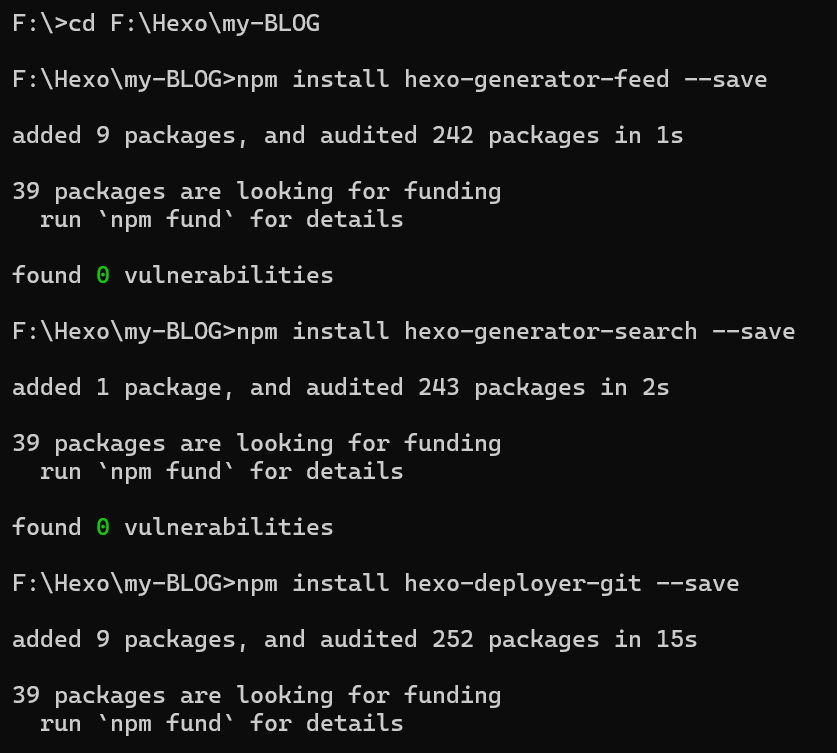
二级标题1
“Live loud, leave a mark.”
“Walk alone, walk tall.”
三级标题
替换图片markdown格式
Ctrl + Shift + F
Ctrl + Shift + H
- 上方:搜索内容(
!\[\[(.*?)\]\]) - 下方:替换内容(
)
评论